Staff
Setup → Staff — who works here, when, and what they can do. Needs staff:read; adding people, setting working hours and recording leave needs staff:manage.
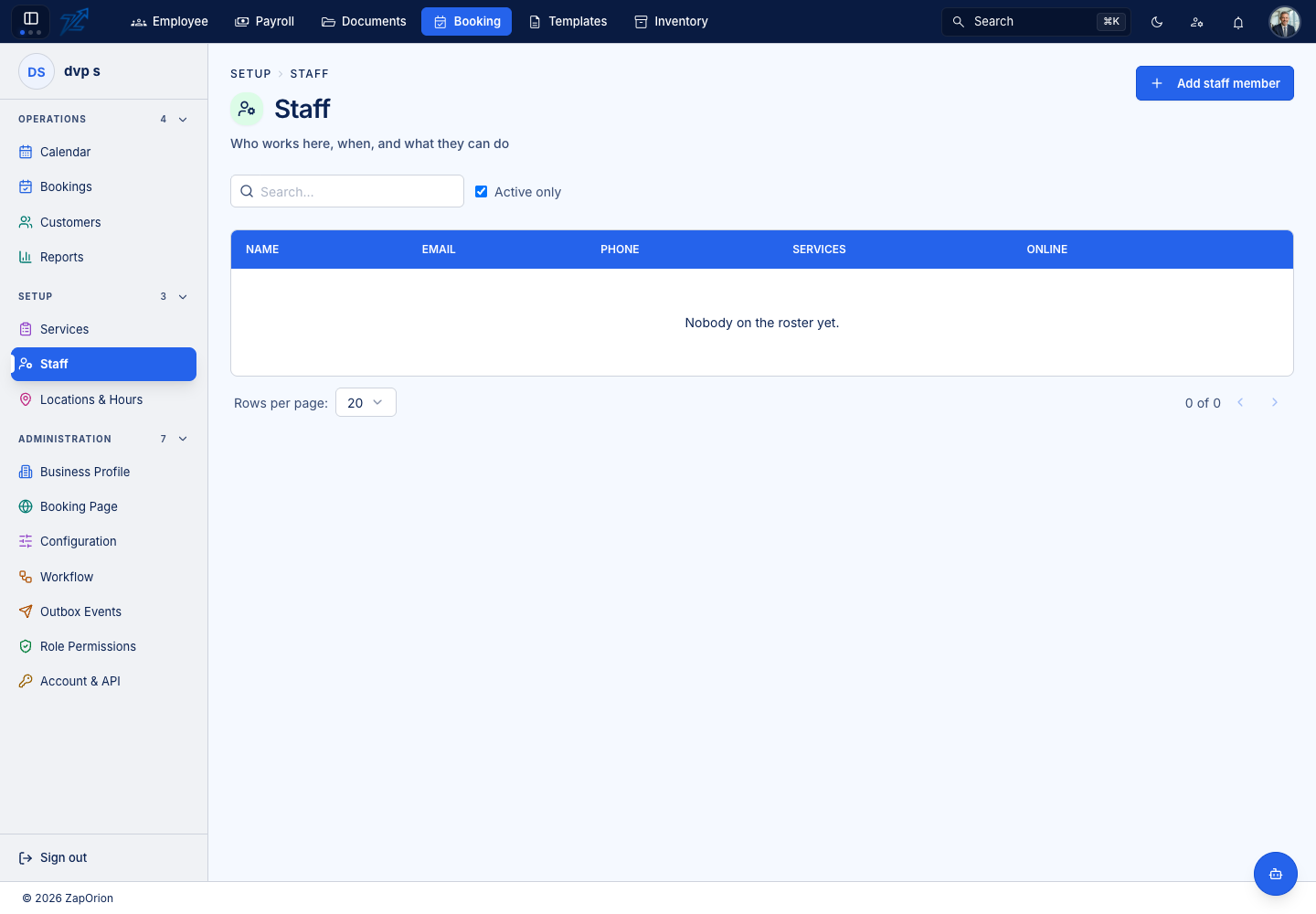
Skip this page entirely for a business that books rooms rather than people: mark its services as needing no staff member.
Adding a staff member
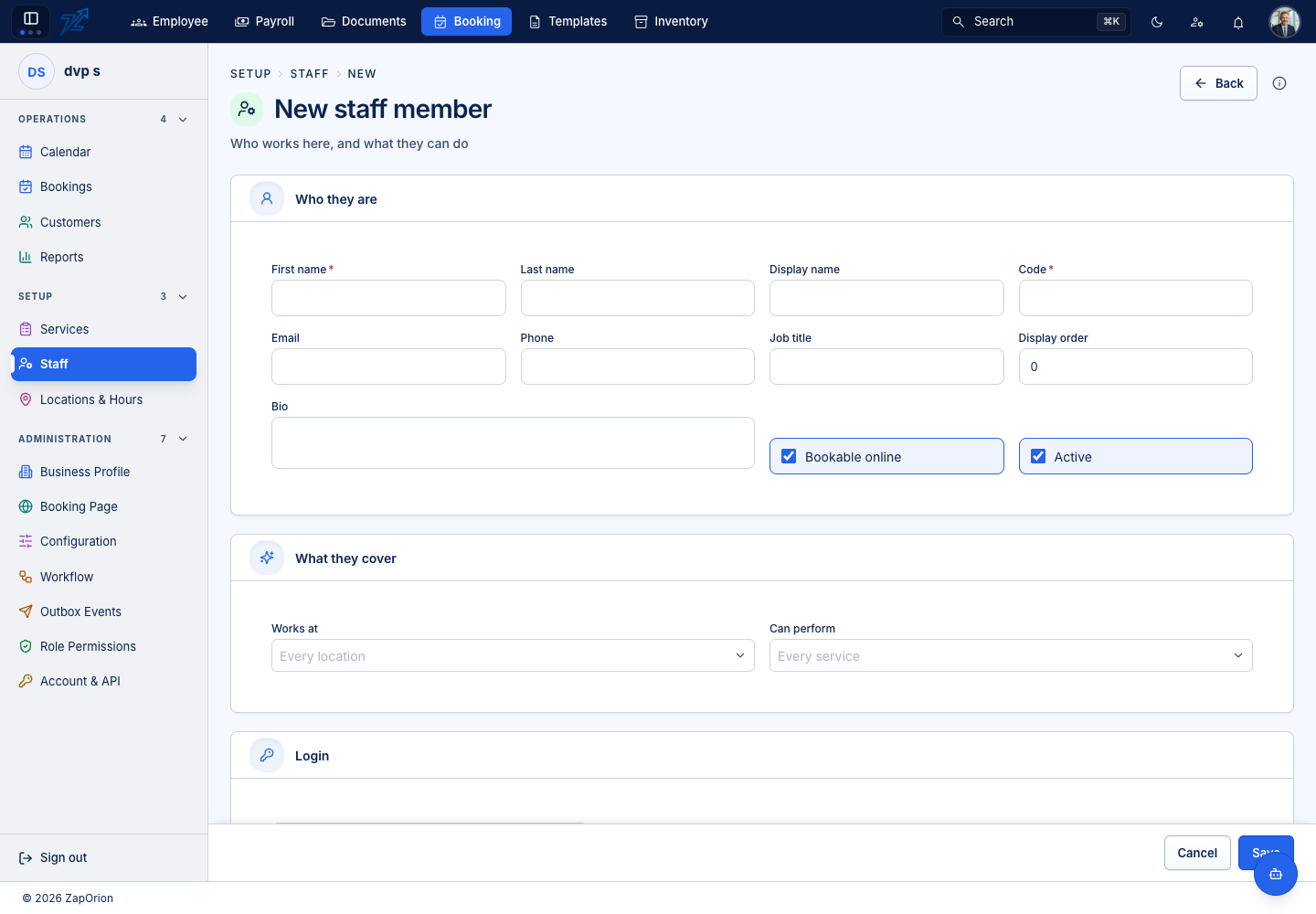
Who they are — first name *, last name, display name, code *, email, phone, job title, display order, bio, Bookable online and Active.
What they cover — Works at (the locations, or every location) and Can perform (the services, or every service). Availability is the intersection: a person is only offered for a service and a location they are linked to.
Login — tick Create login account to give the person their own sign-in. They receive an emailed invitation and set their own password; no password is ever generated or stored by Zaporion. It needs an email address on the form. The new login gets a role (Service Provider by default); a person who is not a booking administrator cannot hand out a role that carries administrator rights.
If the person already has a login you need not do anything: leave the tick off and enter their real email address. The record links itself the first time they sign in, provided the addresses match (case-insensitively). Two staff records sharing one email link to neither.
Working hours and leave
Each row in the list has two actions:
- Working hours — the weekly roster: for each day, one or more rows with a From and To time, an optional Break, and optionally a Location (Any location). Days run Monday to Sunday. With no hours set the person is not bookable — the editor says No hours set — nothing is bookable. Save with Save week.
- Leave — dated absences with a type (for example Holiday), a From / To period and a reason. Add leave records it; leave blocks availability for the whole period, and a removed entry is released again.
Deactivating
Deactivate retires a staff member without losing their history. A deactivated person is no longer offered for new bookings.