Services
Setup → Services — what can be booked, how long it takes and what it costs. Needs catalog:read; creating and editing needs catalog:manage. The page has three tabs: Services, Categories and Add-ons.
The list
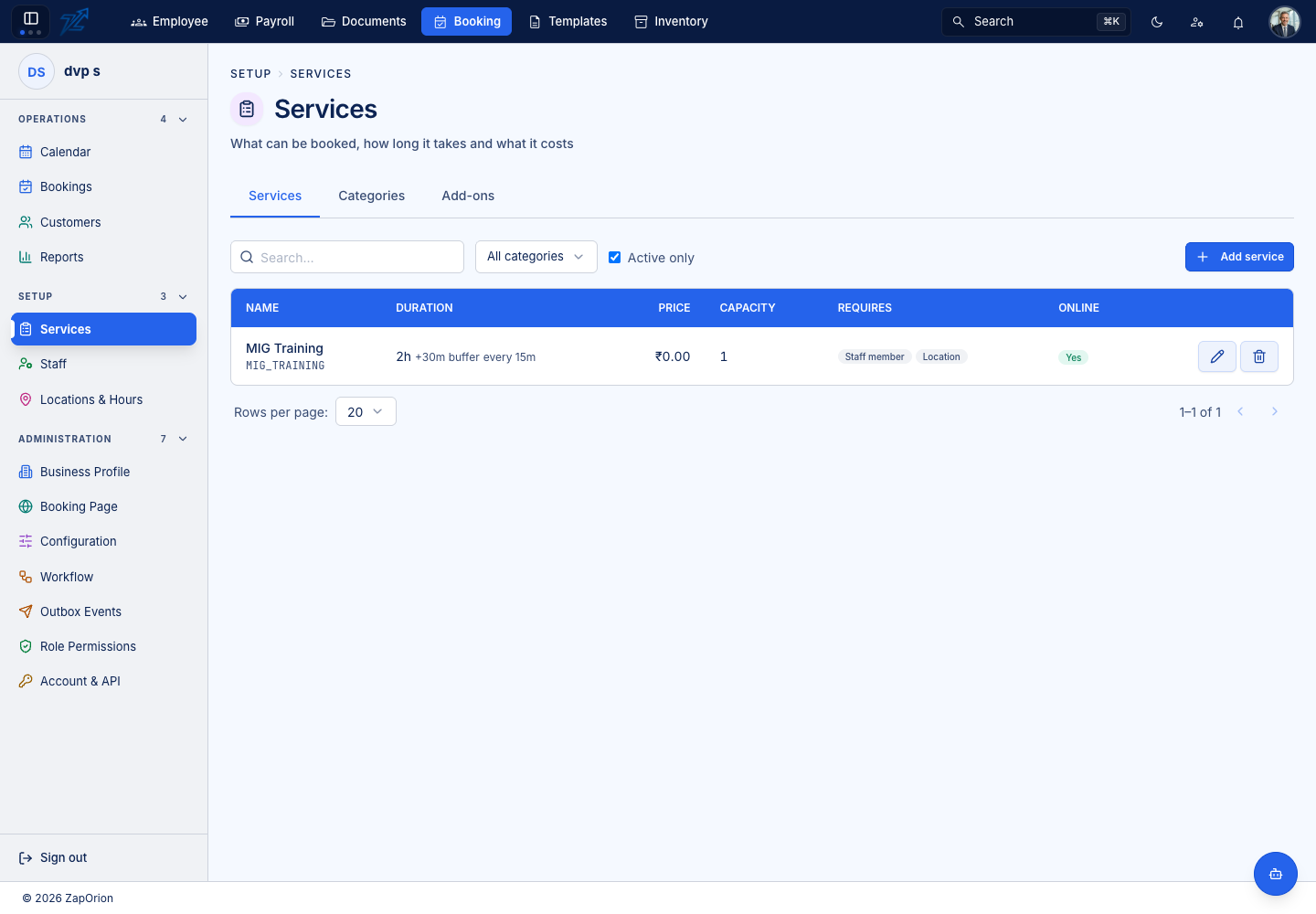
Columns: Name (with its code), Duration (including any buffer and the step between start times), Price, Capacity, Requires (for example Staff member, Location) and Online (bookable on the public page). Filter by category or Active only, then Add service.
The service form
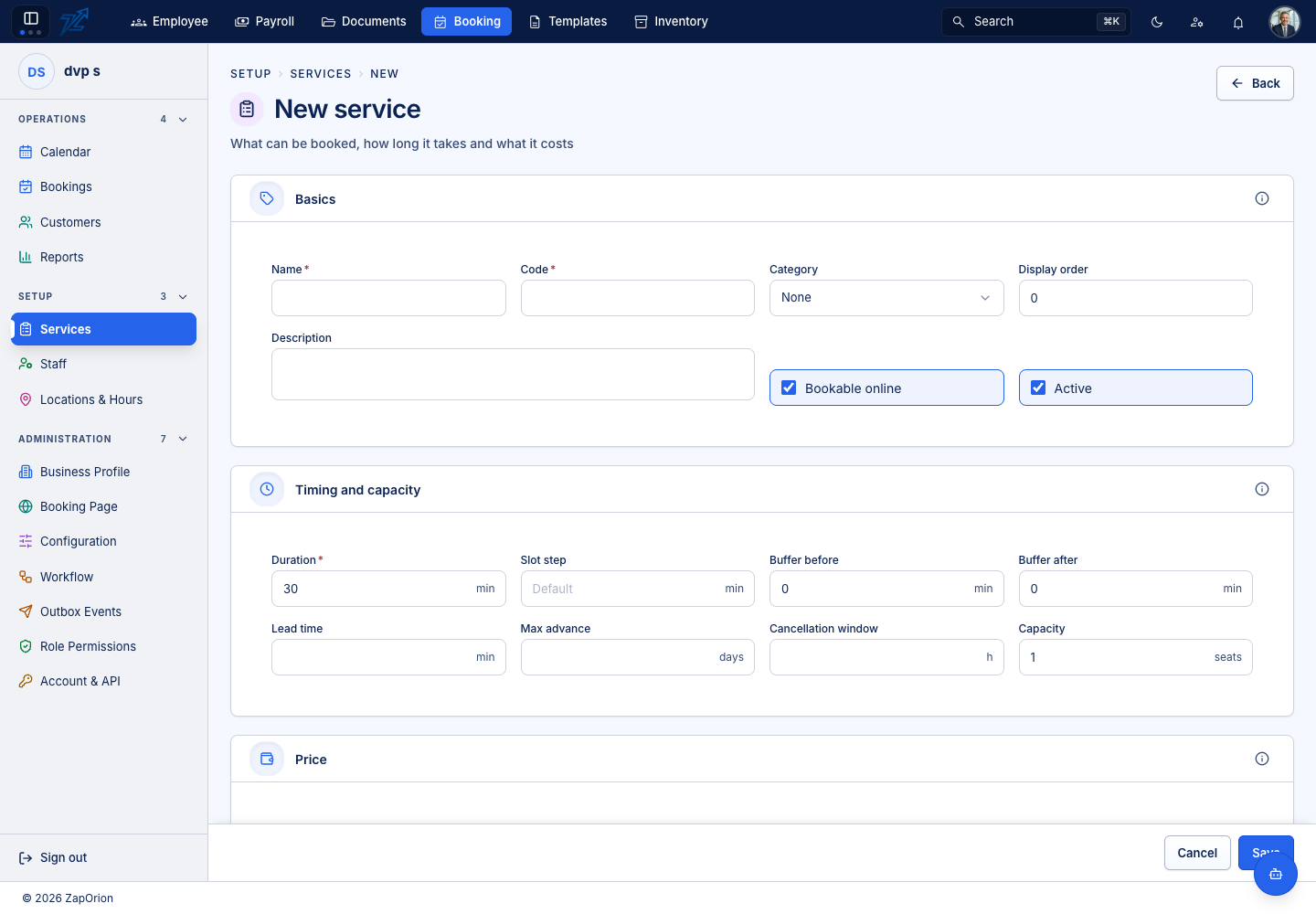
Basics — name *, code *, category, display order, description, Bookable online and Active.
Timing and capacity
| Field | What it does |
|---|---|
Duration * | What the customer books, in minutes |
| Slot step | The gap between start times offered. Leave empty to inherit the business default; set it equal to the duration to offer back-to-back starts only |
| Buffer before / after | Padding that blocks the calendar but is not part of the appointment — drawn as the pale margin on the calendar |
| Lead time | Minimum notice before a booking can start. Empty inherits the business profile |
| Max advance | How many days ahead it can be booked. Empty inherits the business profile |
| Cancellation window | Hours before the start within which a cancellation is late. Empty inherits the business profile |
| Capacity | 1 is an appointment; a higher number makes it a class and the engine counts seats |
Price — price *, currency, tax percentage (falls back to the business tax when empty) and an optional deposit, either a fixed amount or a percentage (a fixed amount wins if both are set).
Requirements — what a booking of this service consumes:
- Staff — whether a staff member is required and how many (
2for a two-person treatment). Untick for a room or a self-service machine. - Resource and Location — whether a resource or a location is required. A service may prefer certain resources without requiring one.
- Assignment — who chooses the staff member or resource: the customer, automatically, the administrator, the first available, or a preferred one then automatically. The engine always returns every valid candidate; this only decides what is done with the list.
Any custom fields defined for services appear at the end.
:::tip These flags are what the engine reads Business templates write default requirements, but the service's own flags decide what a booking needs. A lab session that needs a room and no trainer is simply a service with resource required and staff not required. :::
Categories and add-ons
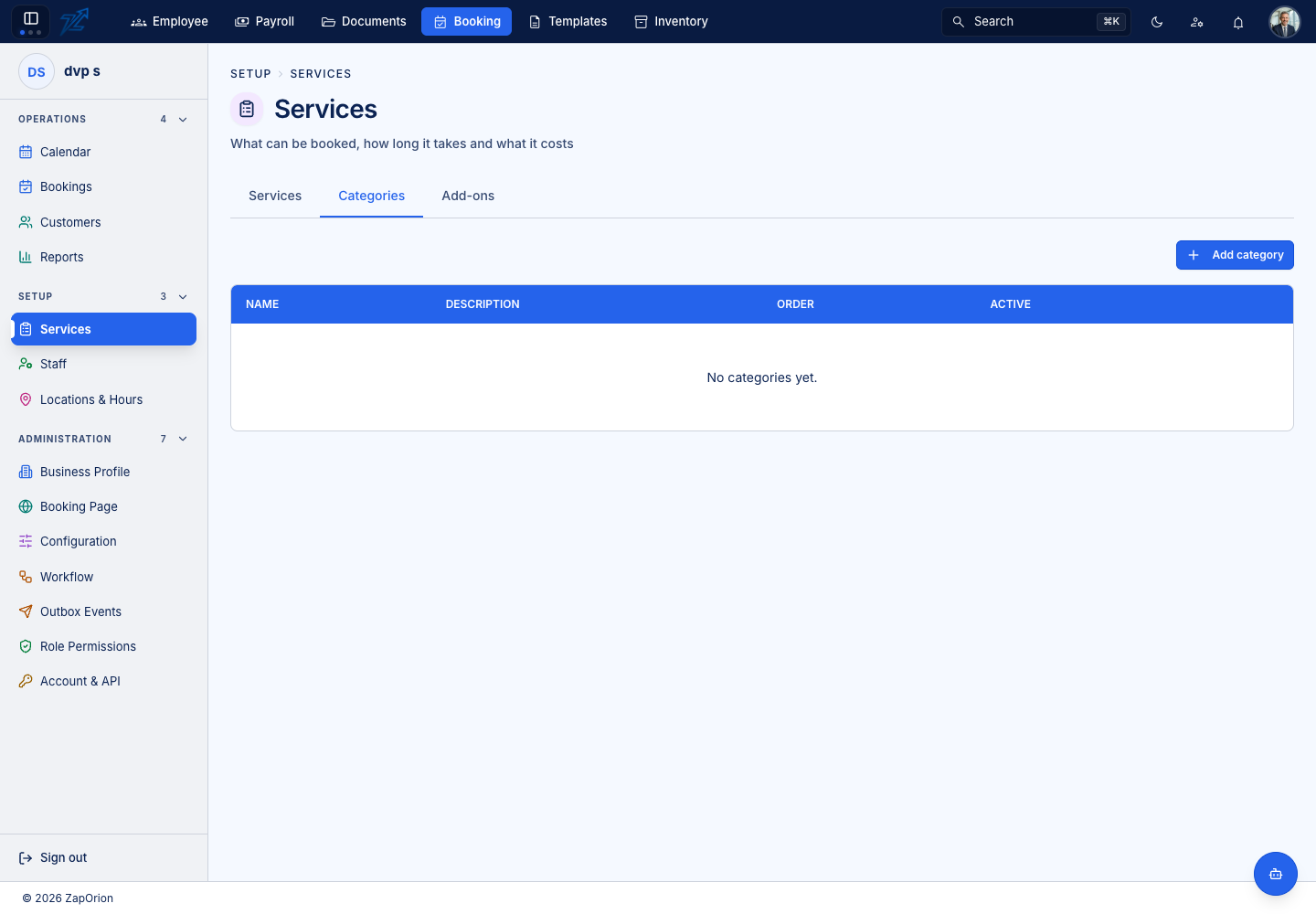
Categories group services (name, description, order, active). Add-ons are optional extras attached to a service — name, the service they belong to, price, how much time they add and a maximum quantity.