Locations and hours
Setup → Locations & Hours — where the business operates and when it is open. Reading needs catalog:read or booking:read; editing locations needs catalog:manage, and editing hours, rules, exceptions and holidays needs availability:manage. The page has five tabs: Locations, Opening hours, Rules, Exceptions and Holidays.
Everything on this page is wall-clock time in the location's own time zone. The time zone is the one field worth slowing down for: the engine works in it, and the calendar shows the branch's times to everyone.
Locations
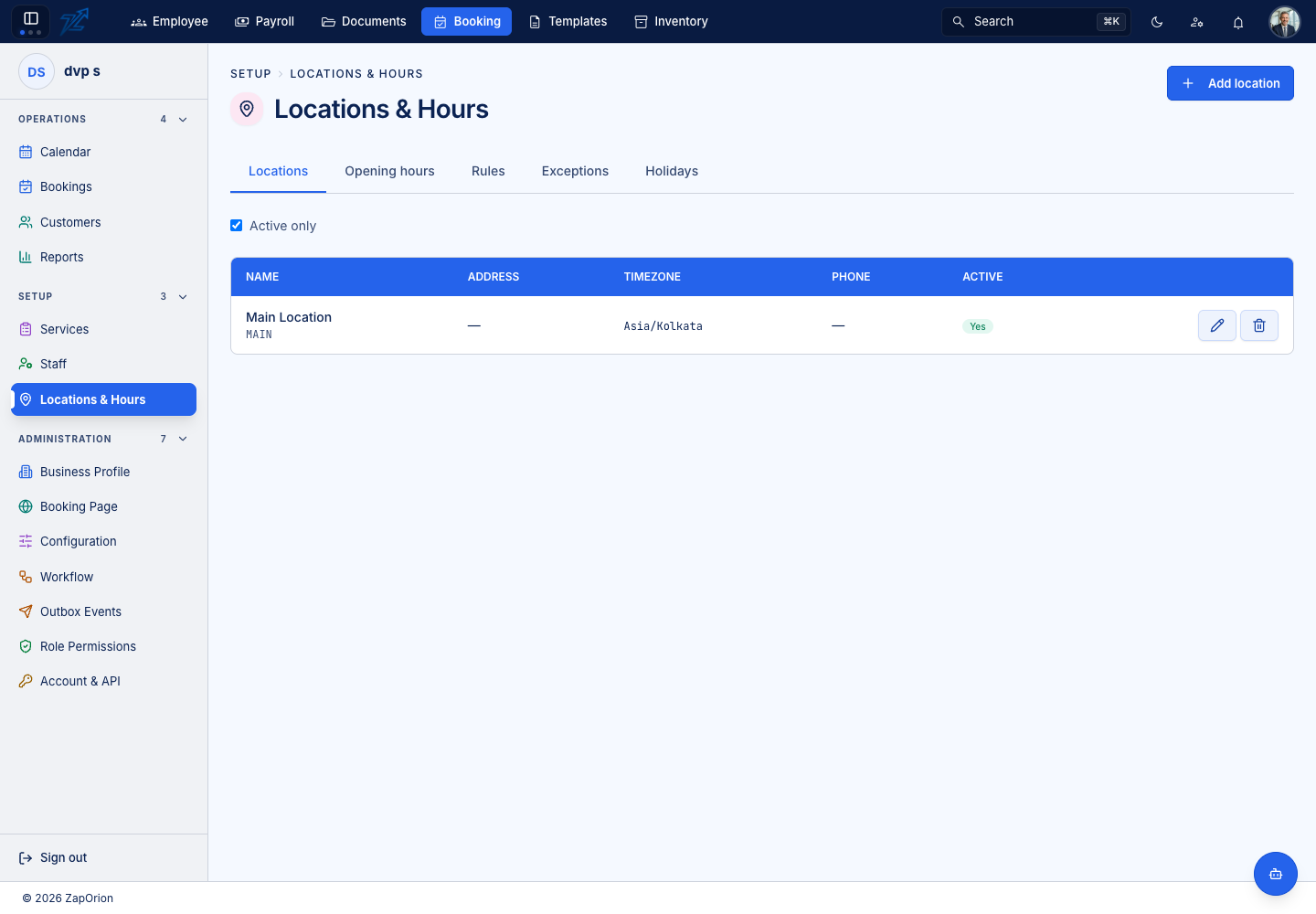
Add location opens a form with: name *, code *, Timezone, phone, email, active, an address (two lines, city, state, postcode, country) and latitude and longitude. A new business starts with one location.
Opening hours
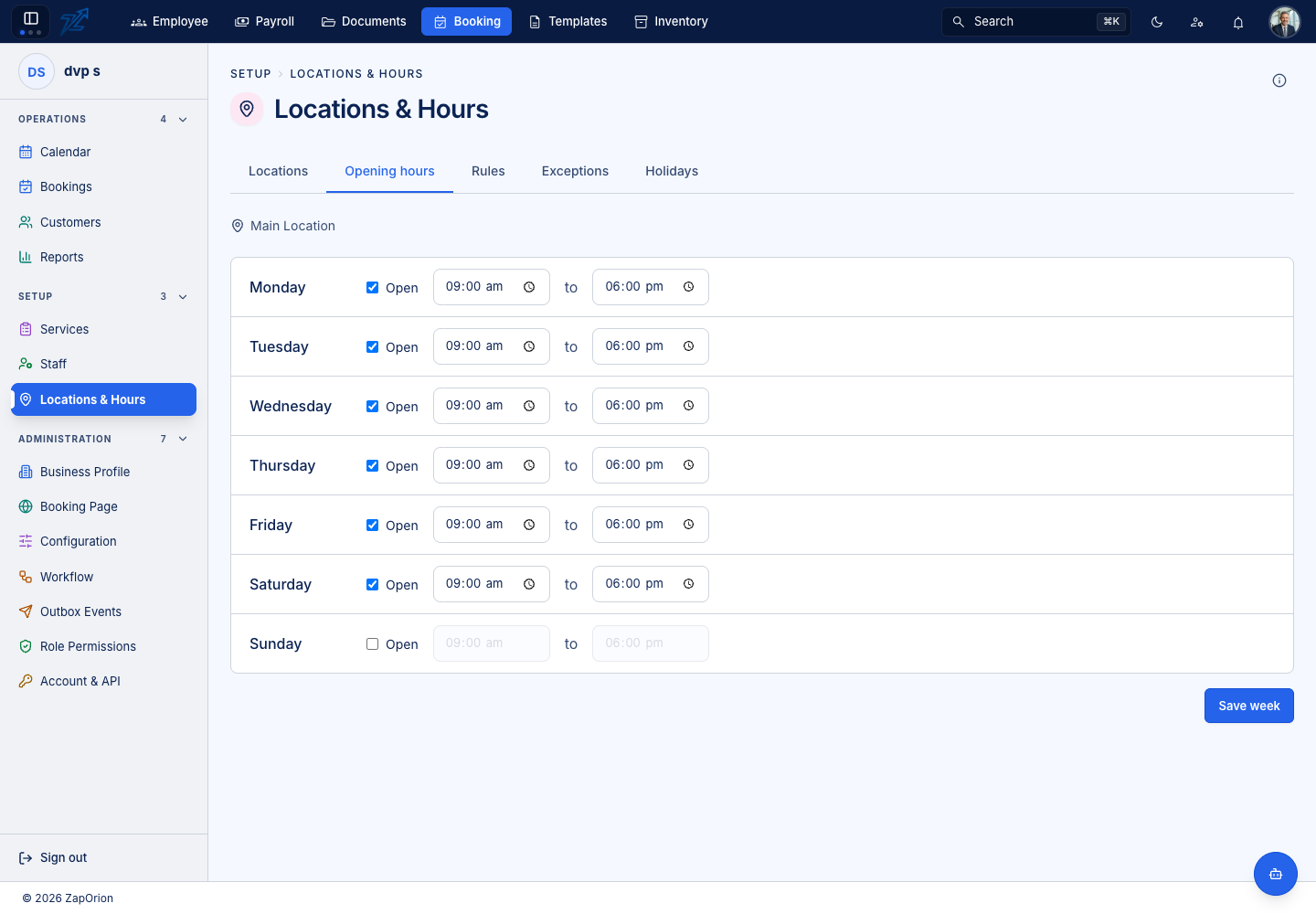
Choose a location, then for each day of the week set whether it is Open and the from / to times, and Save week. This is the outer bound: no staff roster and no rule can open a slot on a day the location is closed. A day may have several rows — a lunch closure is two windows, not a break rule.
Rules
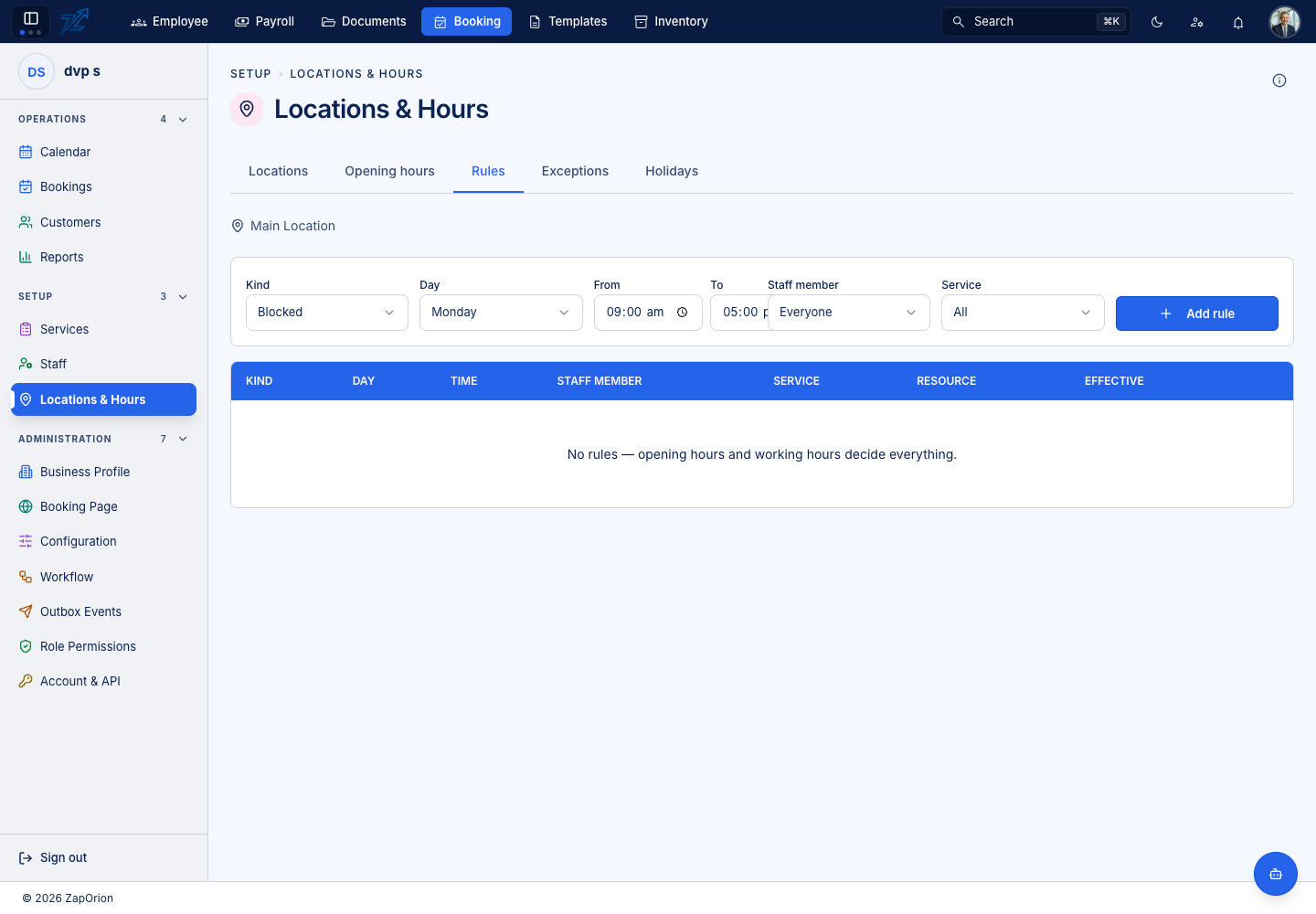
Recurring overrides: choose a Kind (Available or Blocked), a Day, From / To times and optionally narrow it to a staff member and a service, then Add rule. Examples: seasonal opening, a room available only at weekends, a service sold in the mornings only. Each rule is owned by exactly one of a location, a staff member or a resource, and the table lists the kind, day, time, staff member, service, resource and when it is effective.
Exceptions
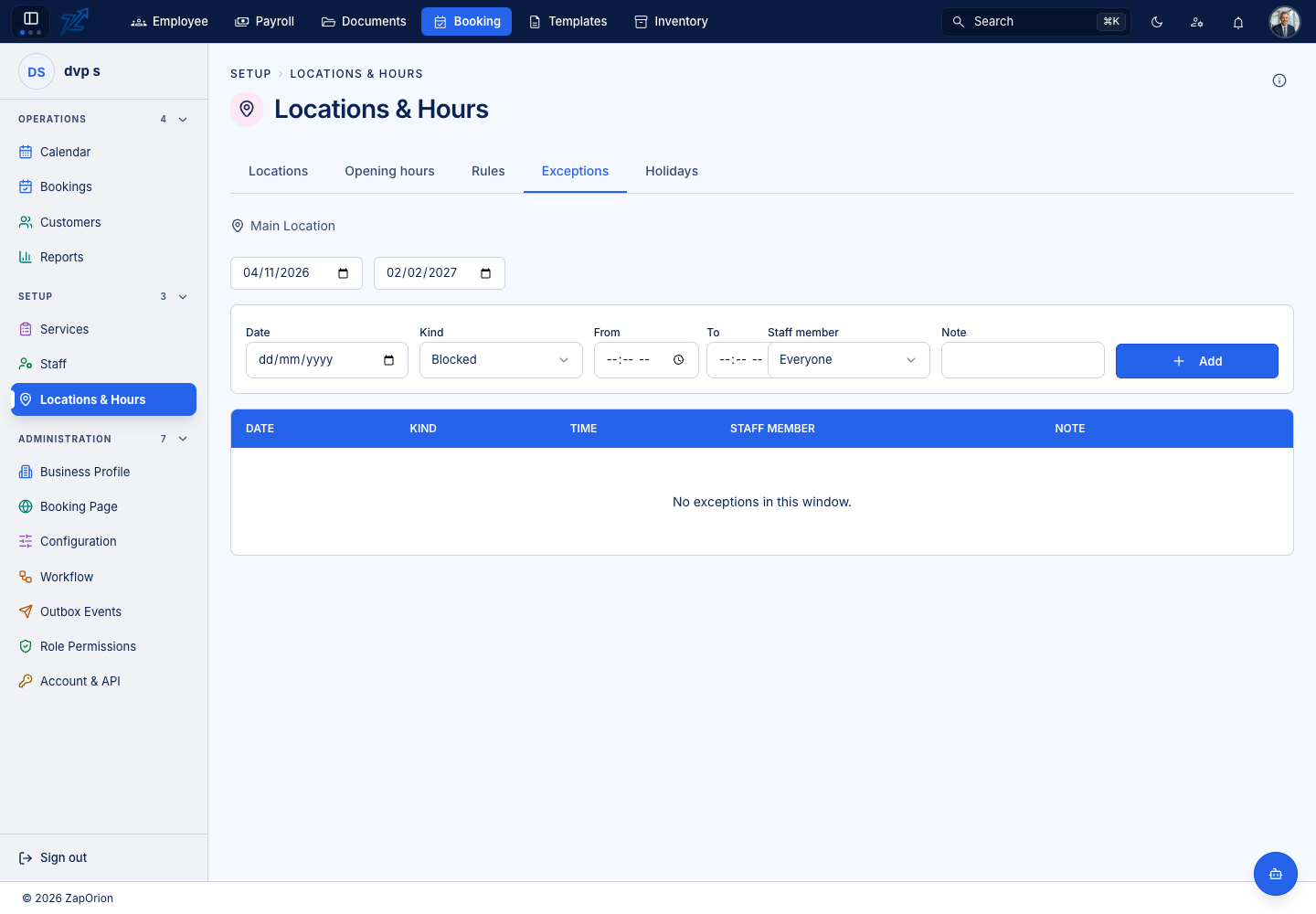
One-off deviations: a Date, a Kind (Available or Blocked), optional From / To times (empty means the whole day), an optional staff member and a Note. Use them to close early on Christmas Eve, take a room out for maintenance or open for a pop-up Sunday.
Holidays
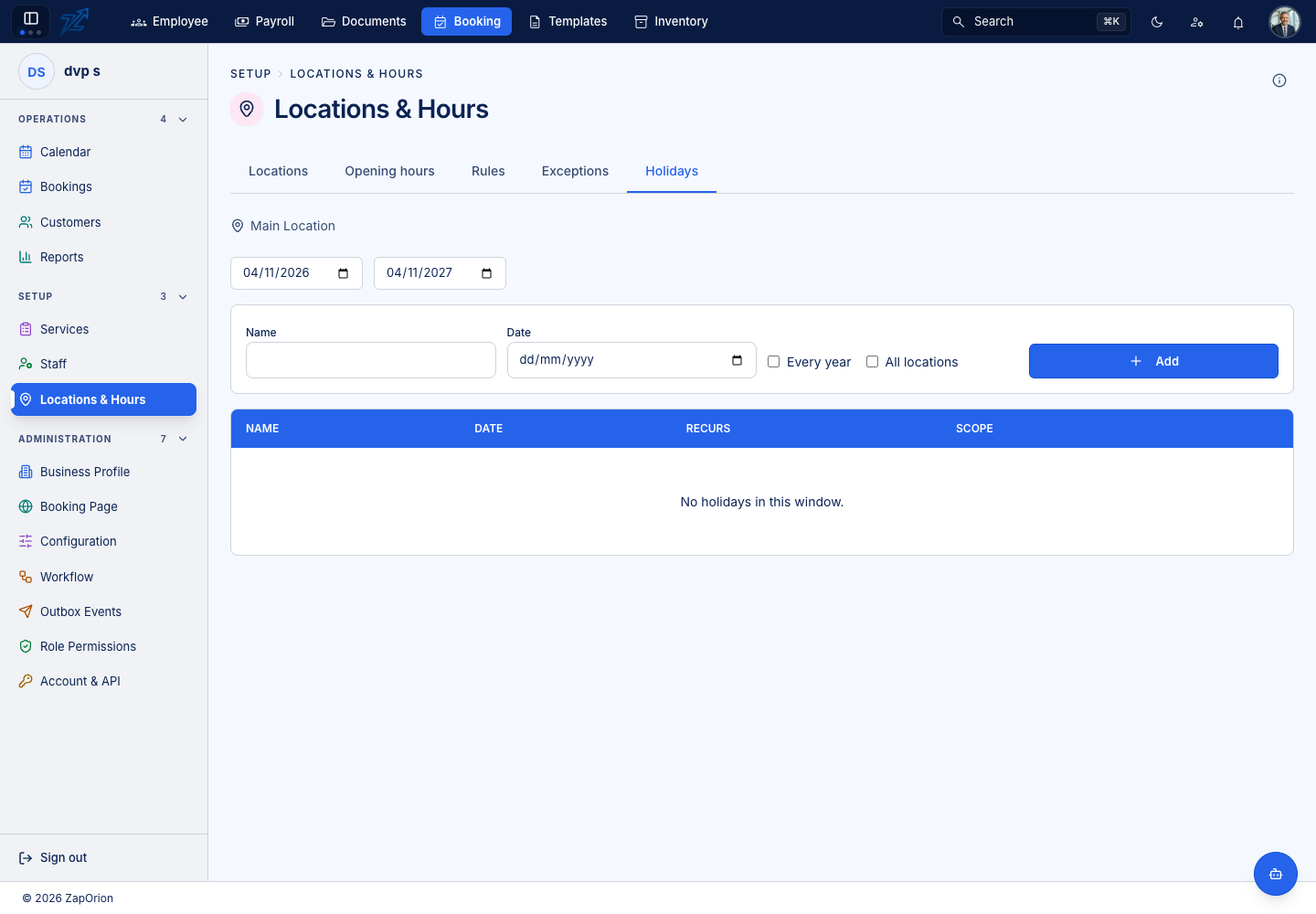
Closed dates with a Name, a Date, whether it recurs Every year and the scope (All locations or one). Repeating works only for fixed-date holidays; a holiday that moves needs a row for each year.