Waiting list
Operations → Waiting List — people who want a slot that is not free yet. Needs booking:read; the Waiting list feature must be switched on.
:::info Off by default for some businesses When the feature is off the sidebar entry is hidden, and opening the page shows the message below instead of an empty list. :::
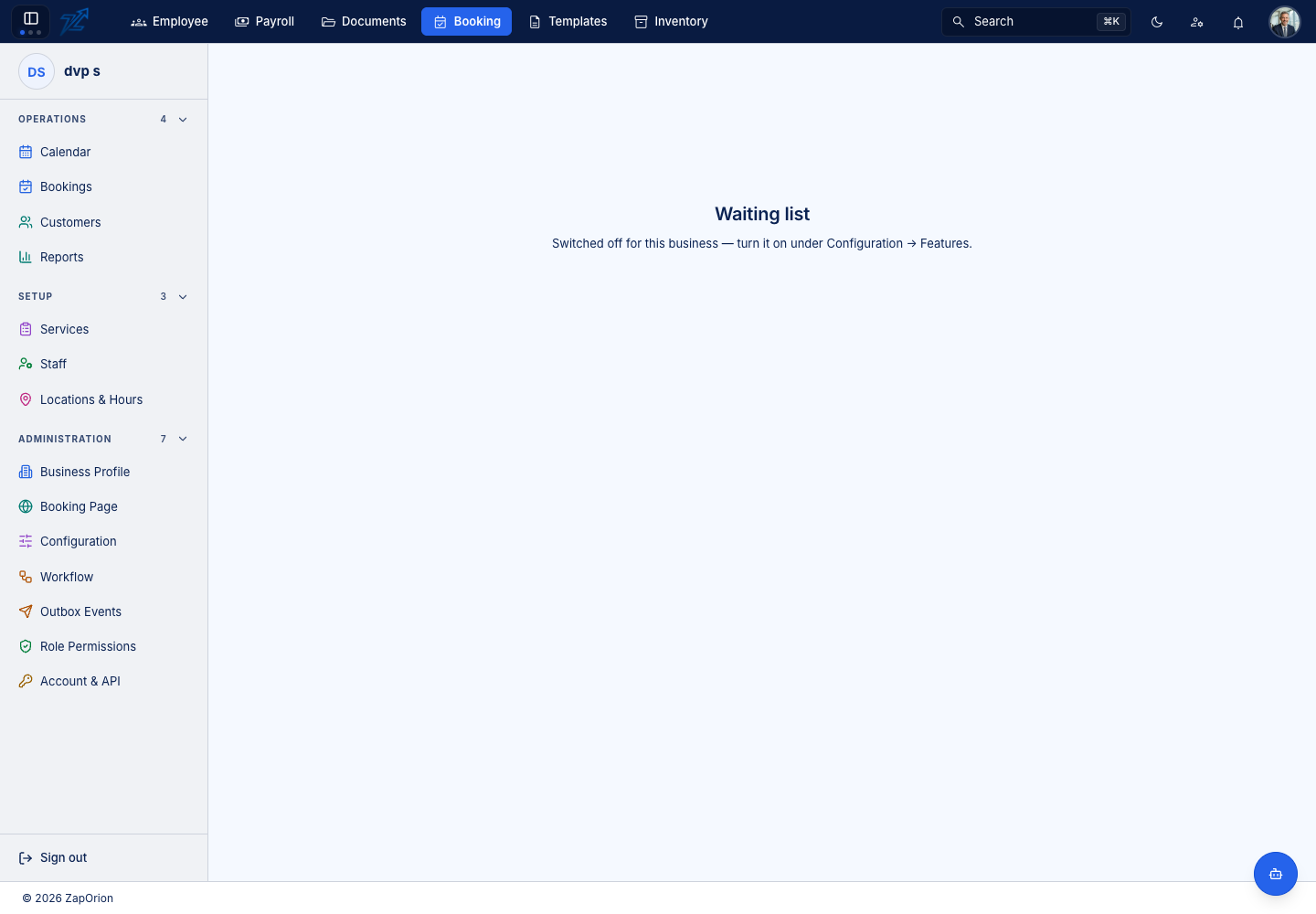
Switch it on under Administration → Configuration → Features → Waiting list (Configuration).
Using the list
- Add records someone: the customer, the service (and where relevant a location, staff member or resource), a party size and the window they want — Wanted from and Wanted until.
- The table shows Wanted between, Party, Status and the Booking the entry became, if any. An empty list says Nobody is waiting.
- Remove takes an entry off the list after a confirmation.
Turning a match into a booking
Entries can be added and removed here, but converting a match into a booking is done by hand: when a slot frees up, open Take a booking and book the customer in the usual way.