Reports
Operations → Reports — bookings, utilisation and takings. Needs report:read.
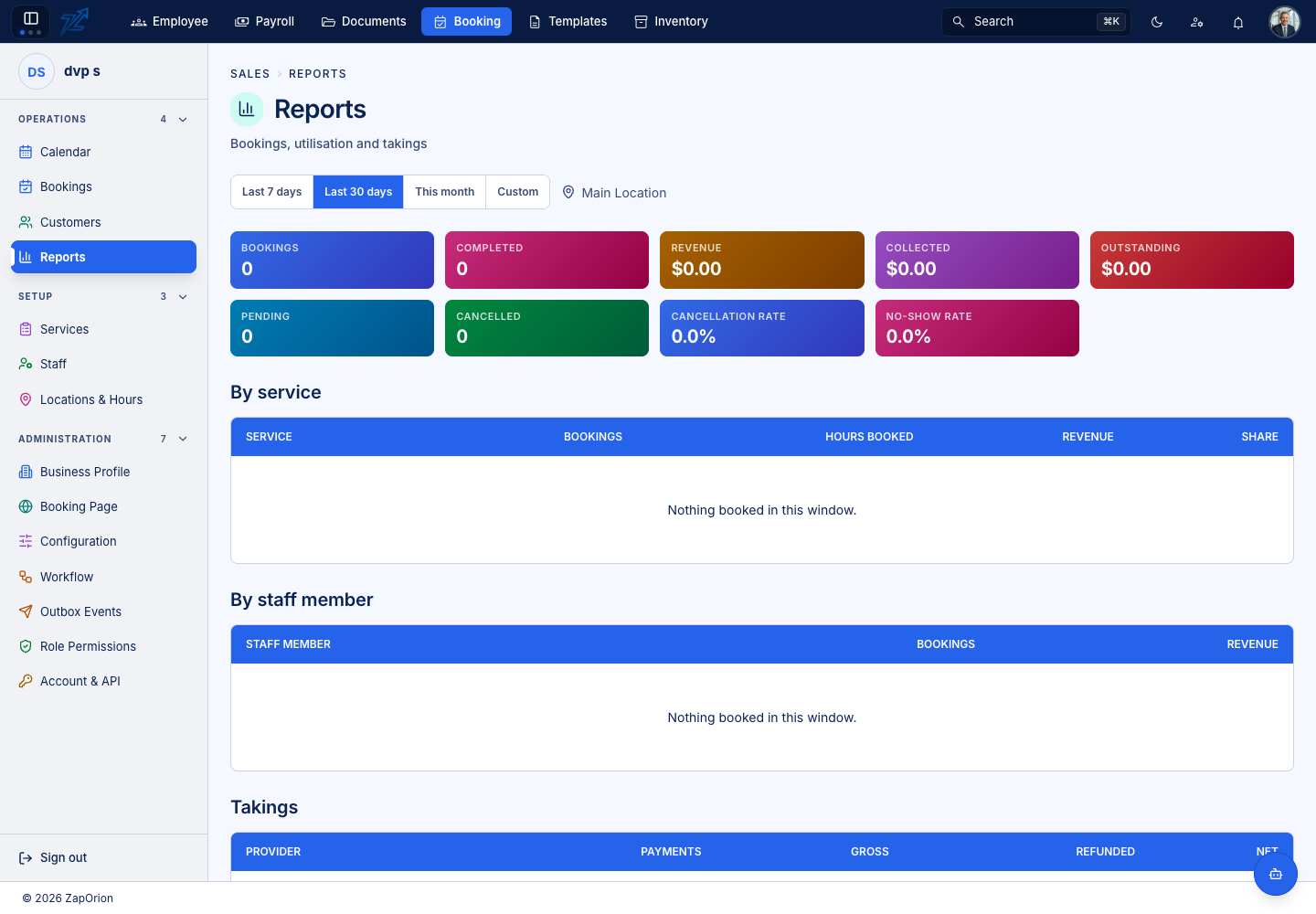
Choosing what to look at
Pick a period — Last 7 days, Last 30 days, This month or Custom — and a location. Everything on the page follows those two choices.
The summary tiles
| Tile | Meaning |
|---|---|
| Bookings | Bookings in the period |
| Completed | Bookings marked completed |
| Revenue | The value of those bookings |
| Collected | Money actually received |
| Outstanding | Revenue not yet collected |
| Pending | Bookings still waiting to be confirmed |
| Cancelled | Bookings cancelled |
| Cancellation rate / No-show rate | Cancelled and no-show bookings as a share of the total. The no-show rate turns red above the threshold set in Booking rules |
The tables
- By service — bookings, hours booked, revenue and each service's share.
- By staff member — bookings and revenue per person.
- Takings — payments by provider: how many, gross, refunded and net.
Each table says Nothing booked in this window or Nothing collected in this window when the period is empty.