Take a booking
Operations → Bookings → New booking (or New booking on the calendar) — one screen, in order: what and where, when, whether it repeats, who it is for, and the price. It needs booking:manage.
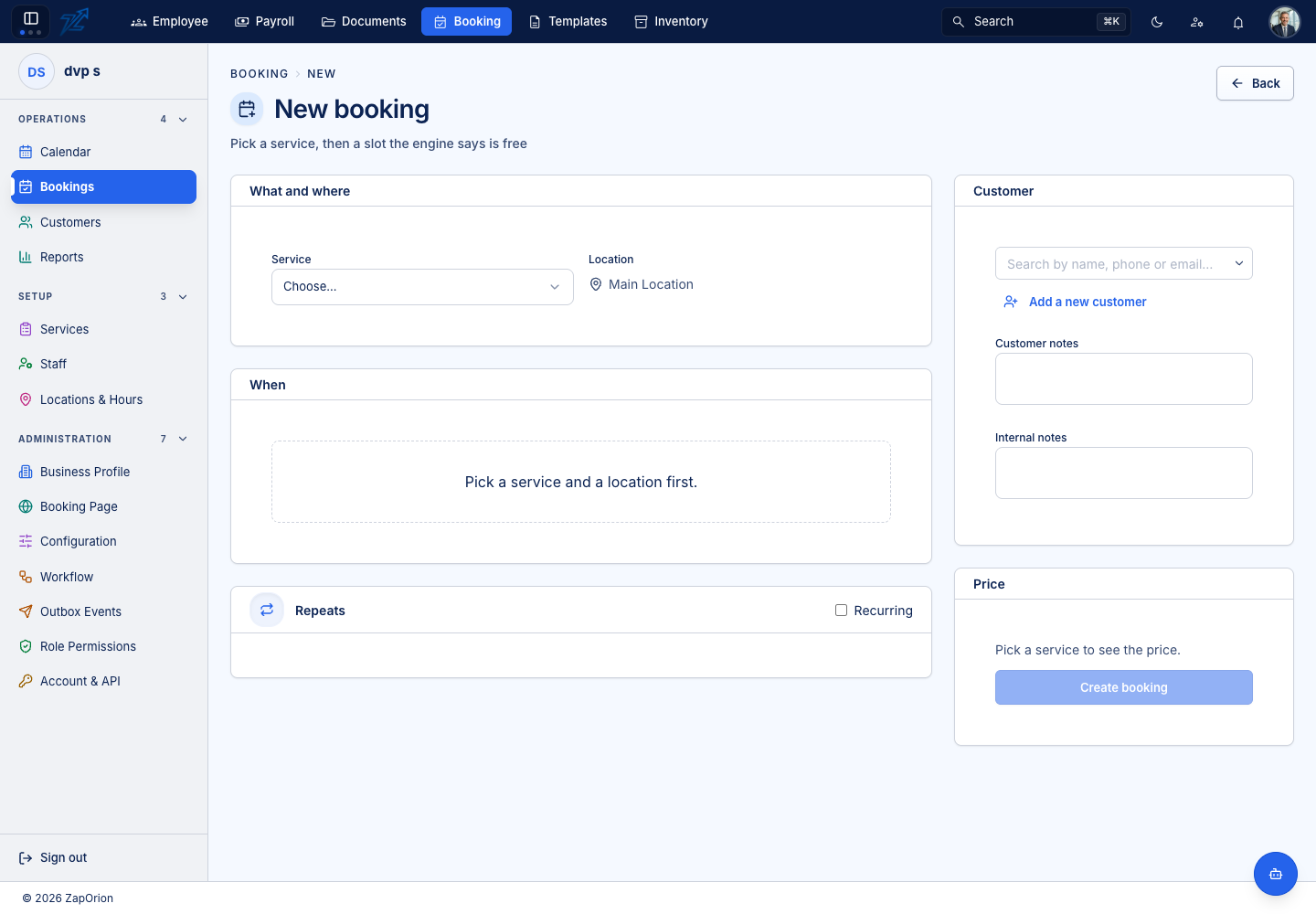
The subtitle says it plainly: Pick a service, then a slot the engine says is free.
1. What and where
Choose the Service and the Location. Depending on the service you may also be asked for a staff member or a resource (a room, chair, vehicle …), either of which can be left on Any available. For group services there is a Party size, and any Add-ons the service offers can be ticked.
2. When
Until a service and a location are chosen the card says Pick a service and a location first. Afterwards it shows the slot grid for the dates you choose. Every slot comes from the availability engine; the page never works availability out itself.
Choosing a slot places a hold on it. A hold keeps the slot from everyone else while you finish — which is why this screen needs booking:manage, not just read access. A hold is released if you leave the page, and automatically after about ten minutes in any case.
3. Repeats
When Recurring bookings is switched on for the business, tick Recurring and choose the Frequency (daily, weekly or monthly), the interval (Every) and the number of Occurrences.
4. Customer
Search for an existing customer by name, phone or email, or choose Add a new customer. A phone number is required when Require a phone number is on in the Business Profile. Two notes fields are offered: Customer notes (what the customer asked for) and Internal notes (for staff only). Any custom fields defined for bookings appear here, and required ones must be filled before you can book.
5. Price
The Price card shows an estimate: the service's duration and price with add-ons, tax and any deposit. If the customer holds a prepaid package with sessions left for this service, you can redeem a package session, and a Coupon code can be entered.
Choose Create booking. The new booking starts as Pending or Confirmed depending on whether the business confirms bookings automatically (see Business Profile).
:::note Why you cannot type a time Buffers, staff working hours, leave, holidays, resource needs, lead time and capacity all fold into what the engine returns. A screen that tried to reproduce any part of that would eventually offer a slot the server then refuses. :::