Calendar
Operations → Calendar — the day's diary. It is the landing page of the module and needs booking:read.
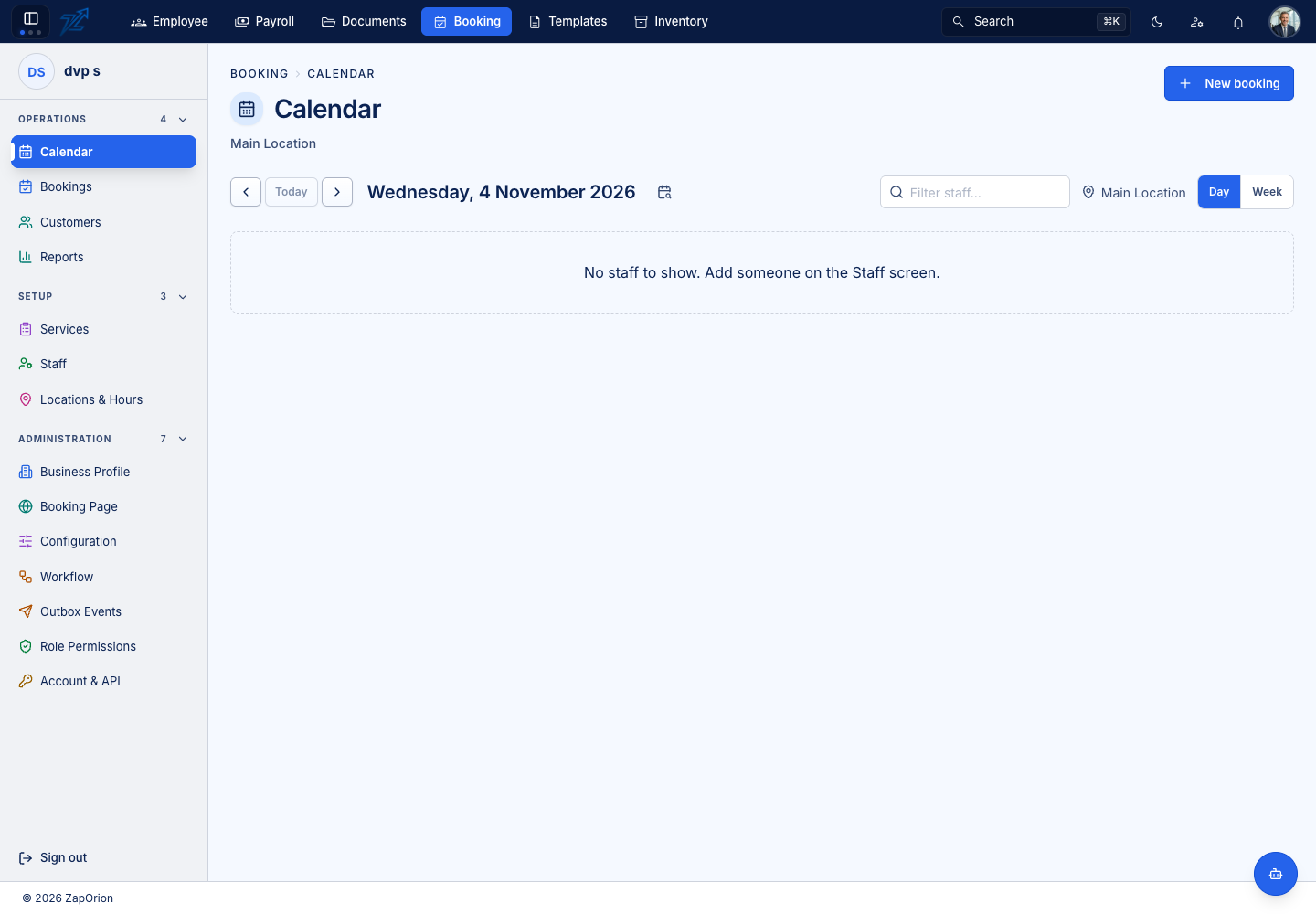
Day and week views
- Day — one lane per staff member, hours down the side. Each booking is a block in its owner's lane.
- Week — seven days side by side; overlapping bookings are placed in columns so none is hidden.
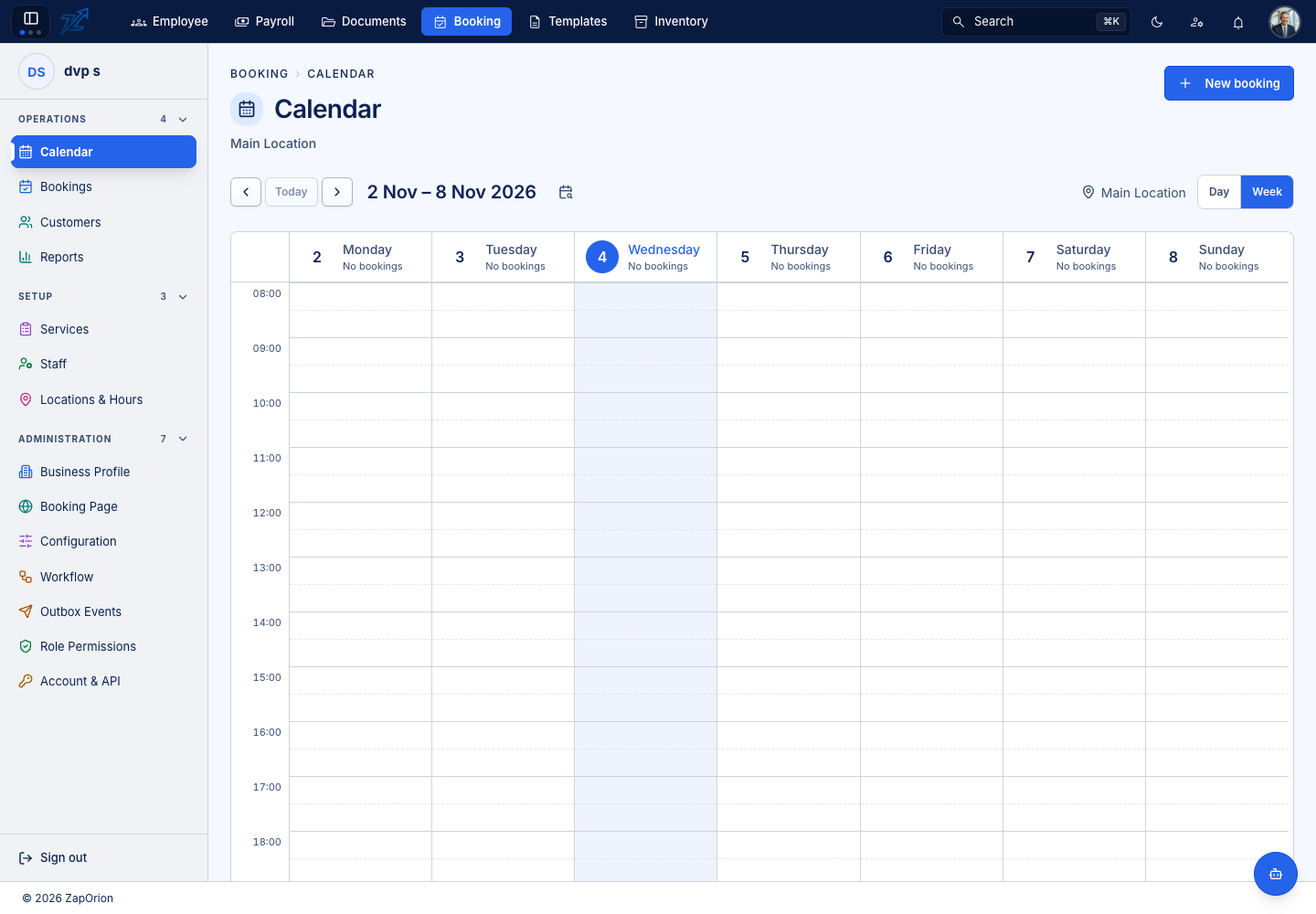
Switch with Day / Week at the top. Today returns to the current day, the arrows step by a day or a week, and Jump to date opens a date picker. Weeks start on Monday.
The location selector at the top (for example Main Location) chooses whose diary you see; a business with several branches shows one at a time. New booking starts the booking wizard.
Reading a block
A block has a solid centre — the appointment — and a paler margin around it. The margin is the buffer: padding before and after the appointment that nobody else can book. It is drawn because the buffer is what actually denies the slot; a calendar drawn from the appointment alone would show gaps that cannot be booked.
Times are shown in the branch's time zone, not your browser's, so an owner checking tomorrow's diary from another country sees the times the branch will actually run on.
Click a block to open the booking.
When the calendar is empty
No staff to show. Add someone on the Staff screen. means the business has no staff linked to this location yet. Businesses that book rooms or equipment rather than people mark their services as needing a resource and no staff member; see Services and Resources.