Workflow
Administration → Workflow — your own status names, over the fixed lifecycle. Needs booking:admin.
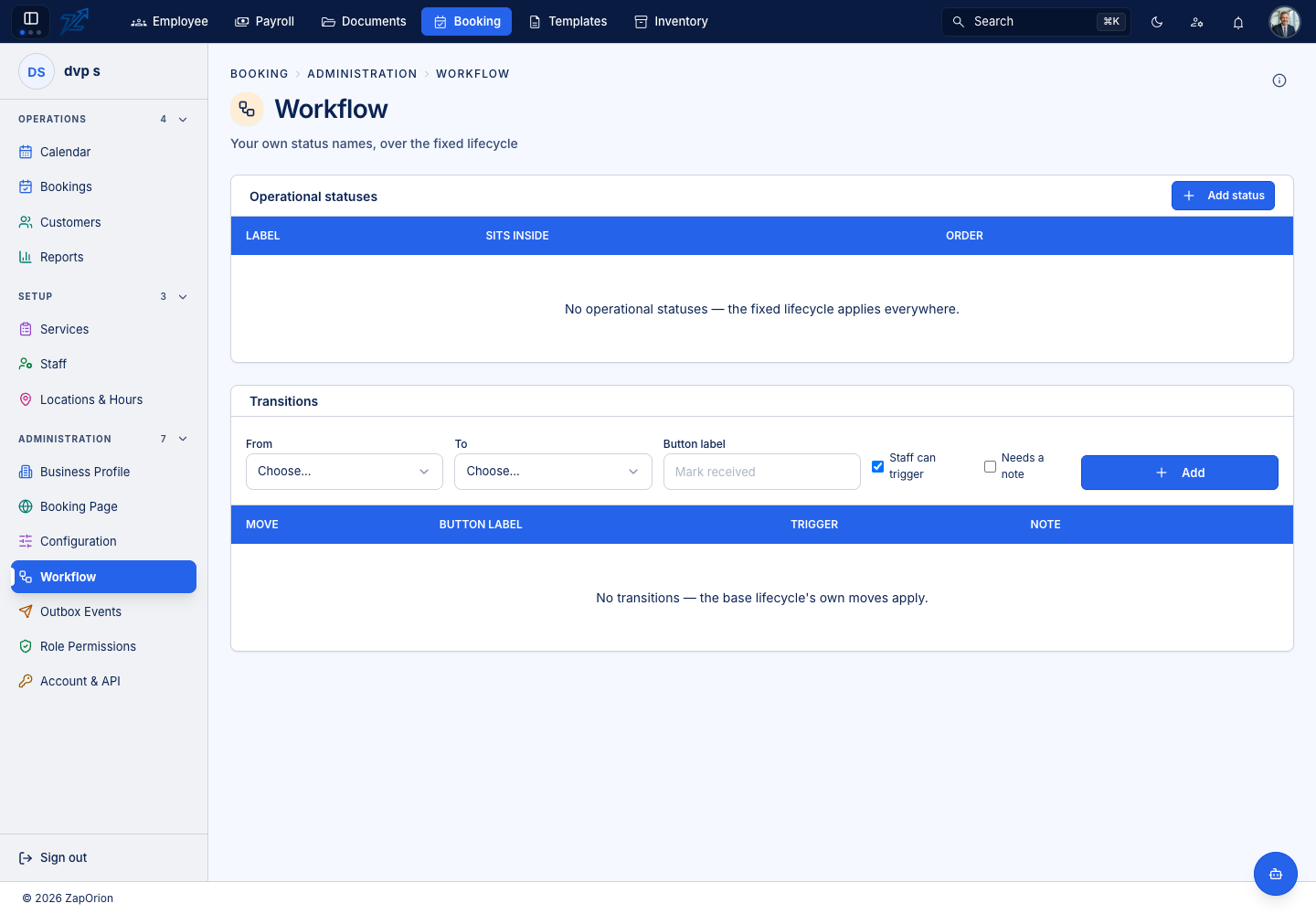
Every booking moves through a fixed lifecycle (Pending, Confirmed, Completed, No show, Cancelled, Rescheduled, Rejected, Expired — see Bookings). This page lets you add operational statuses that fit how your business talks — Checked in, In treatment, Awaiting payment — without changing how the booking system behaves.
Operational statuses
Add status with a label, the base state it sits inside, and an order. Until you add any, the page says No operational statuses — the fixed lifecycle applies everywhere.
Transitions
A transition is a button staff can press to move a booking from one status to another: choose From and To, give the Button label, say whether Staff can trigger it and whether it Needs a note, then Add. With none defined the base lifecycle's own moves apply.
:::info The slot is governed by the base state The engine reads only the underlying state. Renaming or adding statuses never releases a slot — a booking called "Arrived" that sits inside Confirmed still reserves it. :::