Configuration
Administration → Configuration — configure the business — nothing here changes which code runs. Needs booking:admin. Six tabs: Features, Terminology, Booking rules, Tenant settings, Custom Fields and Document Types.
Features
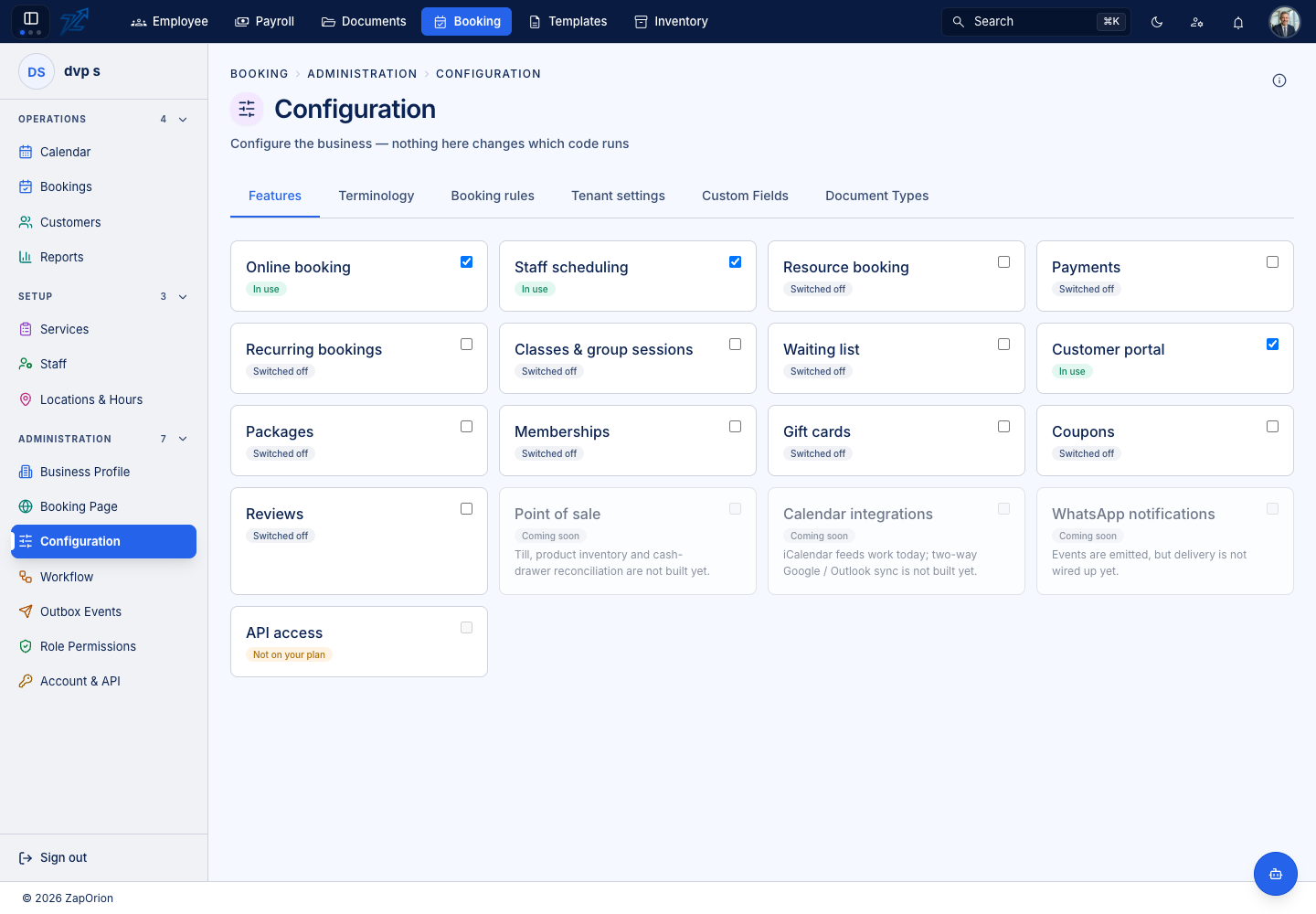
Each row is one capability with a state:
| State | Meaning |
|---|---|
| In use | On, and the screens for it are available |
| Switched off | Available to you, but not turned on |
| Not on your plan | A billing fact — the plan would have to change (Account & API) |
| Coming soon | Not built yet |
The features are Online booking, Staff scheduling, Resource booking, Payments, Recurring bookings, Classes & group sessions, Waiting list, Customer portal, Packages, Memberships, Gift cards, Coupons, Reviews, Point of sale, Calendar integrations, WhatsApp notifications and API access. Turning one on shows its pages in the sidebar; turning it off hides them (data is kept). Point of sale, two-way calendar sync and WhatsApp delivery are not built yet — iCalendar feeds work today.
Terminology
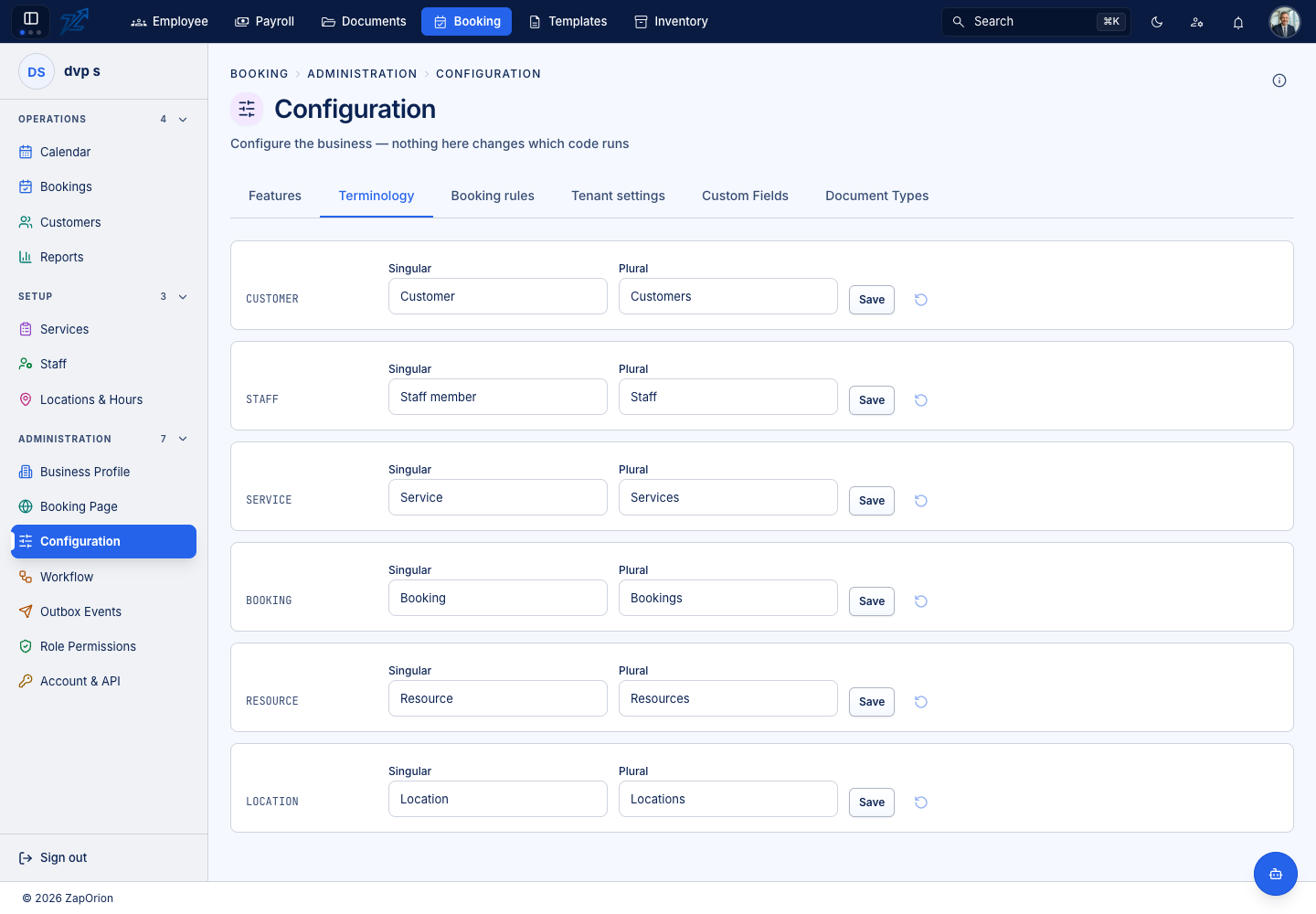
Rename Customer, Staff, Service, Booking, Resource and Location — a singular and a plural each. Renaming a clinic's Customer to Patient changes the words on screen, never a route, a field or an integration name.
Booking rules
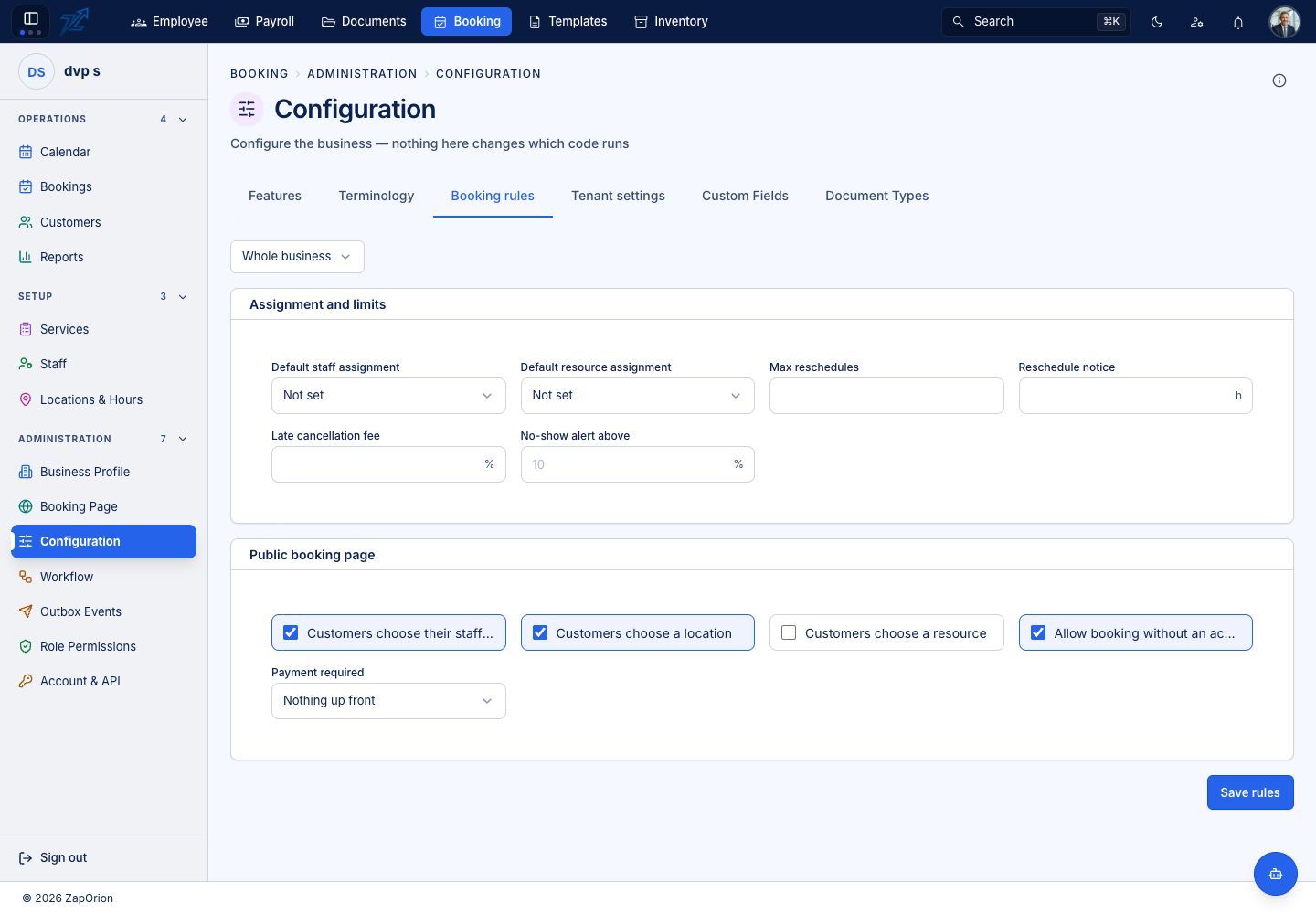
Assignment and limits
| Rule | Effect |
|---|---|
| Default staff assignment / Default resource assignment | Who picks the staff member or resource when the service does not say |
| Max reschedules | How many times one booking may be moved before the customer has to ask |
| Reschedule notice (hours) | Minimum notice for a move |
| Late cancellation fee (%) | Charged on a cancellation inside the window |
| No-show alert above (%) | The percentage above which the No-show rate tile on Reports turns red |
Public booking page — whether customers choose their staff member, choose a location and choose a resource; whether they can book without an account; and the payment required before the slot is held (Nothing up front, a deposit, or the full amount). Save rules stores them. Rules can apply to the whole business or be narrowed to one location.
Tenant settings
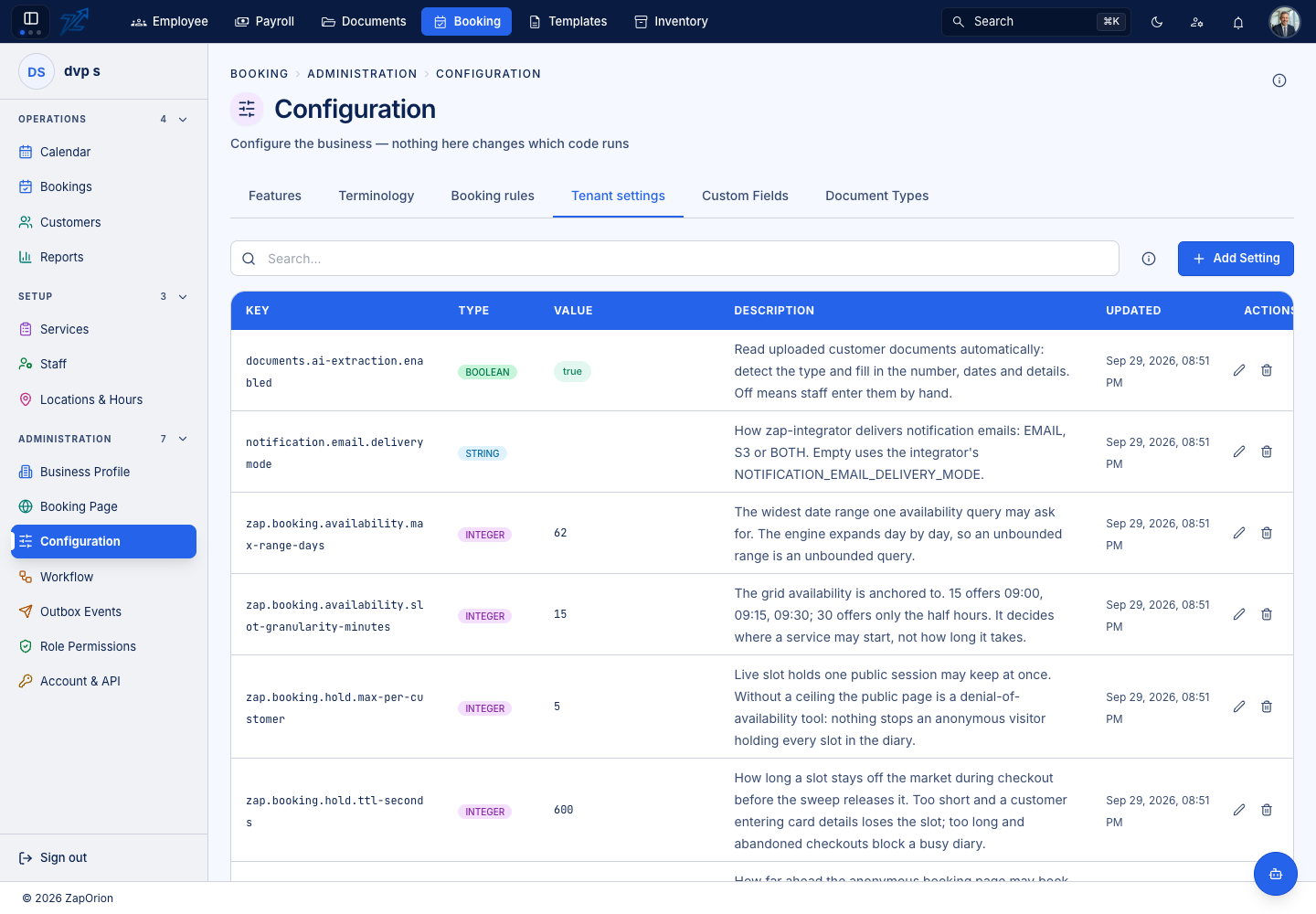
A table of Key, Type, Value, Description, Updated with Add Setting, edit and delete. These are platform-level settings shared with other modules (for example whether uploaded customer documents are read automatically) and are a different store from the booking rules above. A key the screen does not know still edits as plain key and value.