Account and API
Administration → Account & API — your plan, API keys and outbound webhooks. Needs booking:admin. Three tabs.
Subscription
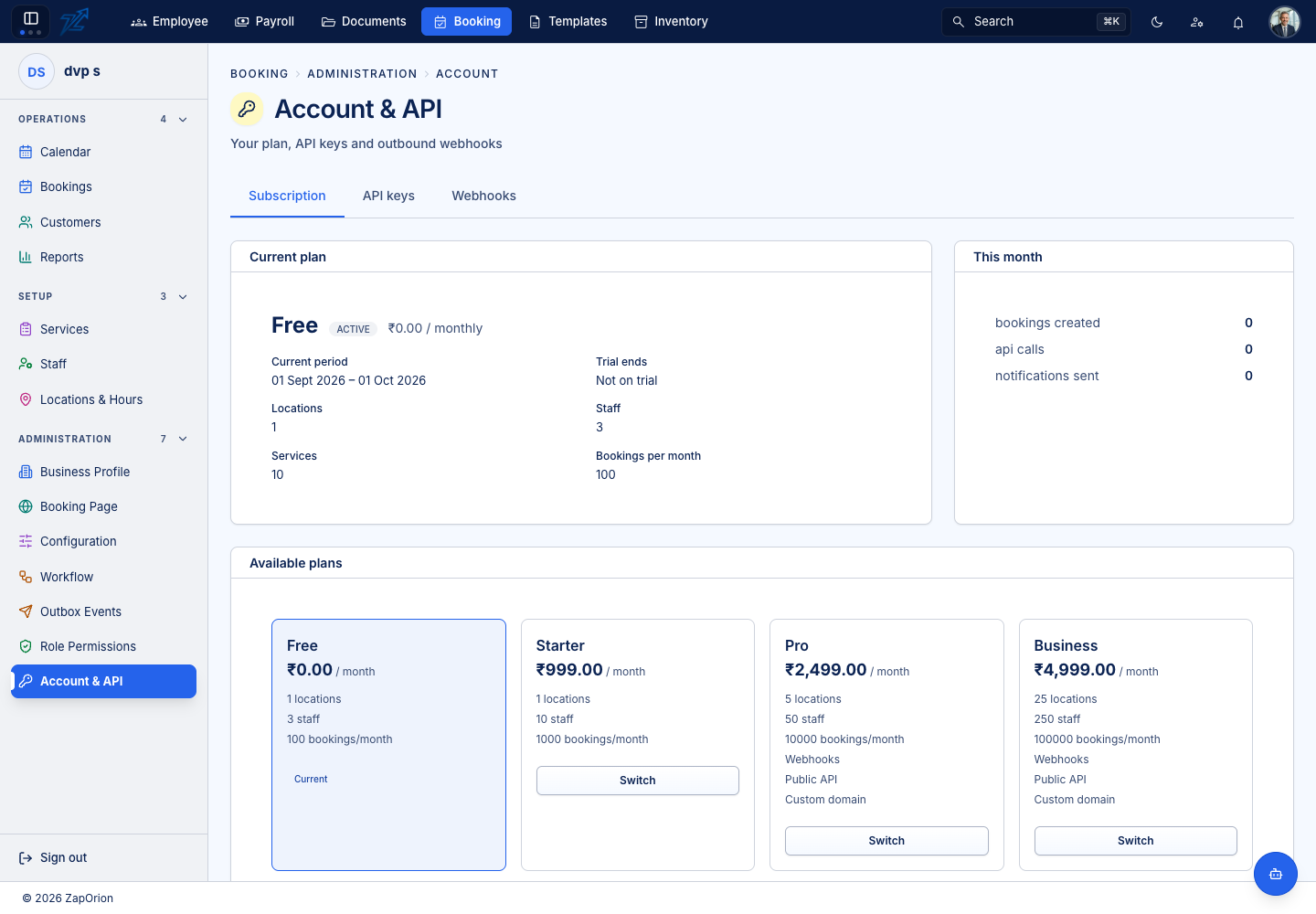
- Current plan — the plan name and status, its price, the current period and whether you are on a trial.
- Limits and usage — locations, staff, services and bookings per month your plan allows, and This month: bookings created, API calls and notifications sent.
- Available plans — each with its price and limits. Higher plans add Webhooks, Public API and Custom domain. Switch moves to another plan.
API keys
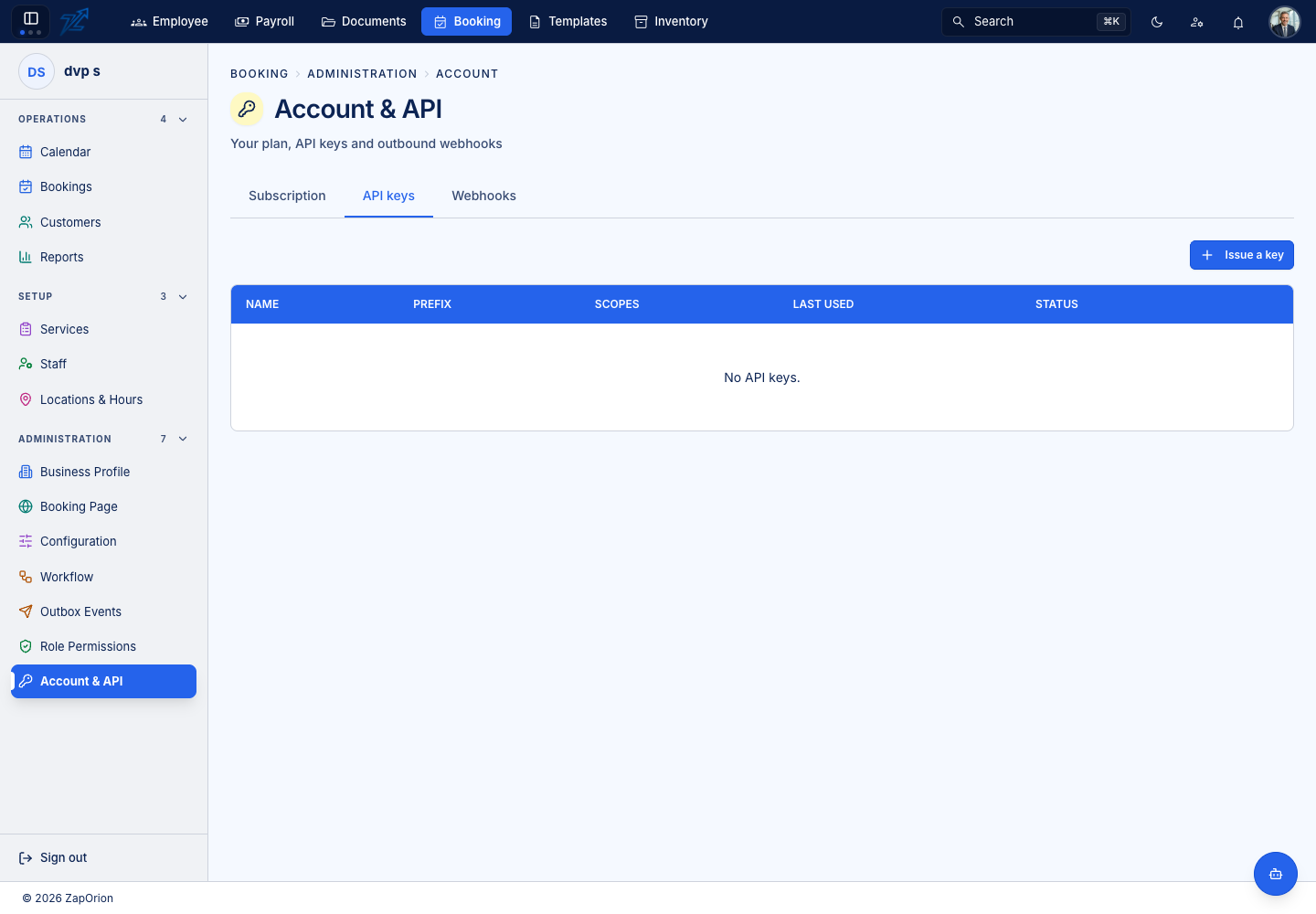
Issue a key with a Name (for example Website widget), the Scopes it may use (a comma-separated list such as bookings.read,bookings.write) and an optional expiry. The key is shown once — copy it immediately, it cannot be displayed again. The list shows each key's prefix, scopes, when it was last used and its status (Active, Revoked or Expired). Revoke stops a key at once, after a confirmation.
Webhooks
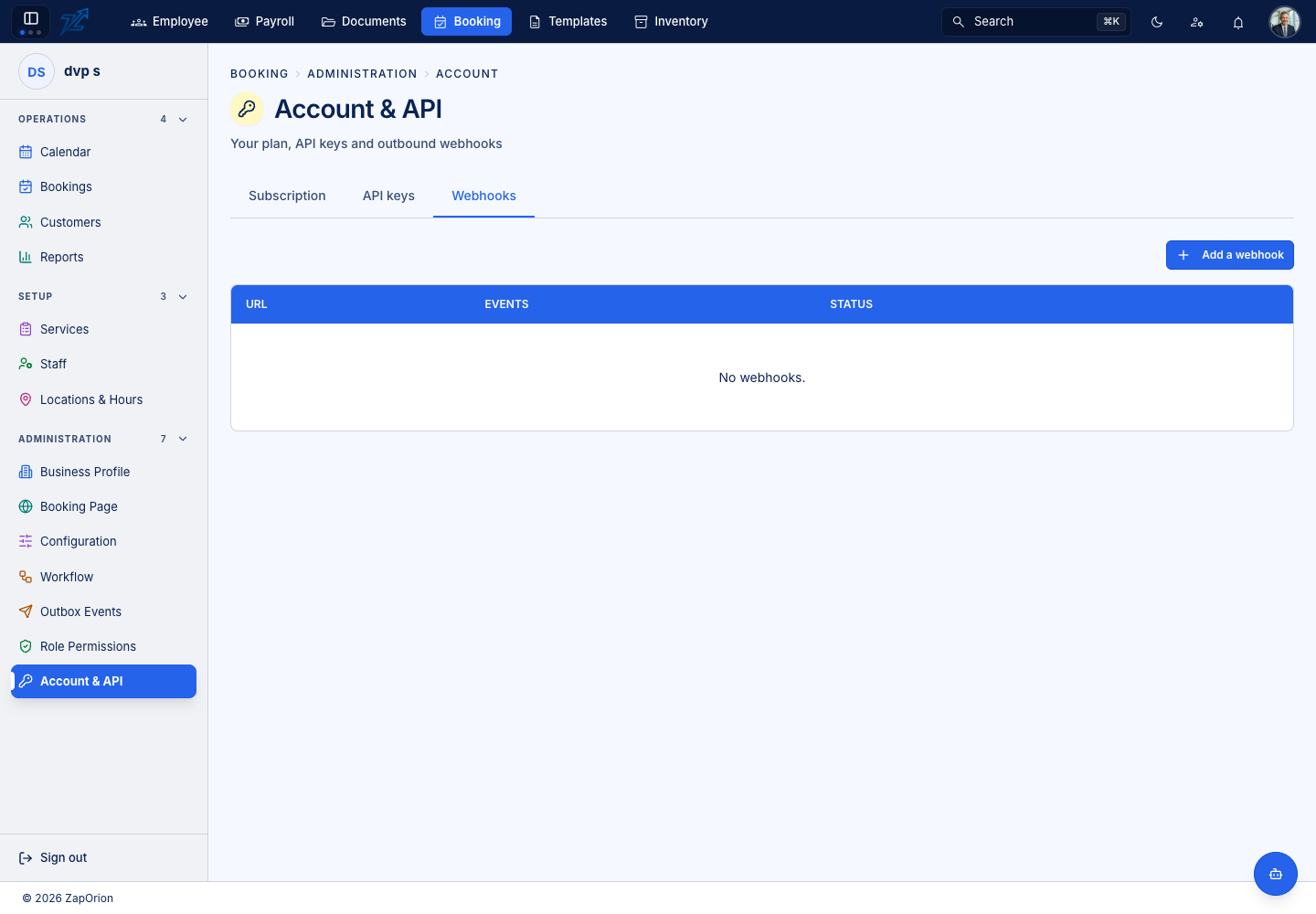
Add a webhook with the destination URL, the Events to send (for example booking.created,booking.cancelled, or * for everything) and a description. Deliveries are signed and the secret is shown once on the record. Each webhook keeps a delivery history — the event, the response, the attempts and when — so you can see what was sent and what your server answered. Delivery runs in the background, never during a customer's booking. A webhook can be deleted after a confirmation.