ZapBooking user manual
ZapBooking is Zaporion's appointment and resource booking module. One booking engine serves very different businesses — a salon, a clinic, a driving school, meeting rooms, a training institute — because what changes between them is configuration (which features are on, what things are called, how staff and rooms are assigned), not the software. In the ZapHRMS application it appears as the Booking tab in the top bar.
How this manual is organised
| Section | Read it to |
|---|---|
| Getting started | Sign in, understand what you can see and why, set up a new business in the right order, and find out why no slots are offered |
| Operations | Work the day: the calendar, taking a booking, the booking lifecycle, the waiting list, customers and reports |
| Setup | Describe what can be booked: services, staff, resources, locations and opening hours |
| Sales | Payments and refunds, coupons and gift cards, packages and memberships, reviews |
| Administration | Business profile and templates, the public booking page, features and rules, custom fields, workflow, role permissions, plan and API |
Three ideas that explain most of the product
- The server decides what is free. Every slot you see comes from the availability engine, which folds in opening hours, staff working hours and leave, holidays, resources, buffers, lead time and capacity. The screen never works it out for itself, so it never offers a slot that is then refused. When nothing is offered, see When nothing is bookable.
- Features are switched on, not installed. Waiting list, resources, payments, coupons, packages, reviews and more are individual switches under Administration → Configuration → Features. A screen for a feature that is off is hidden from the sidebar (and says so if you open its address directly).
- Names are yours. Customer, Staff, Service, Booking, Resource and Location are labels you can rename (Patient, Instructor, Lesson, Appointment, Room, Campus …). Renaming changes the words on screen only. This manual uses the default words.
Conventions
- Menu paths are written Sidebar group → Page → Tab, for example Setup → Locations & Hours → Opening hours.
- A field marked
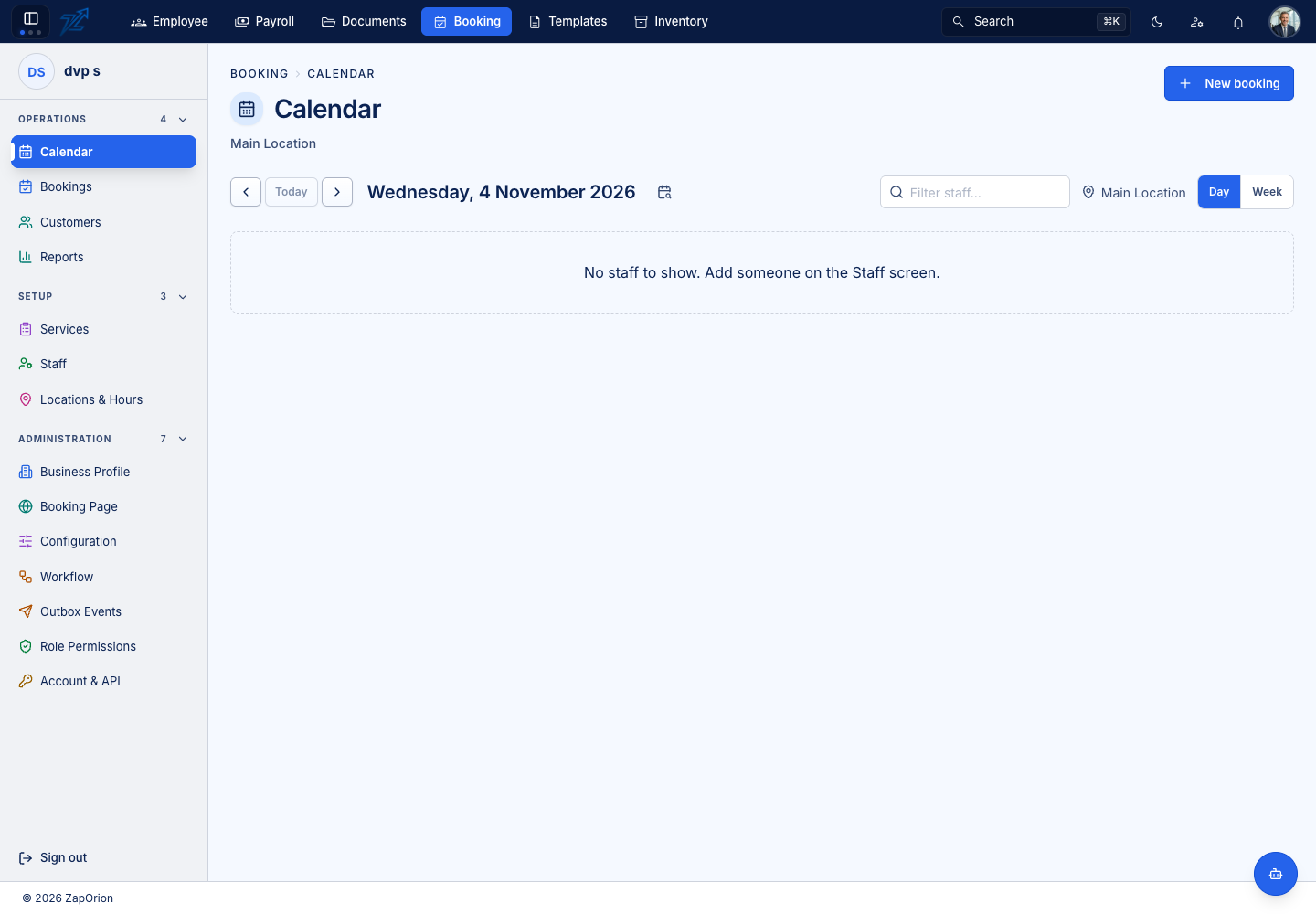
*in the app is mandatory. - Screenshots follow this site's light and dark mode — use the toggle in the top right. Select an image to enlarge it.
- Screens shown empty are real empty states from a newly set-up business.